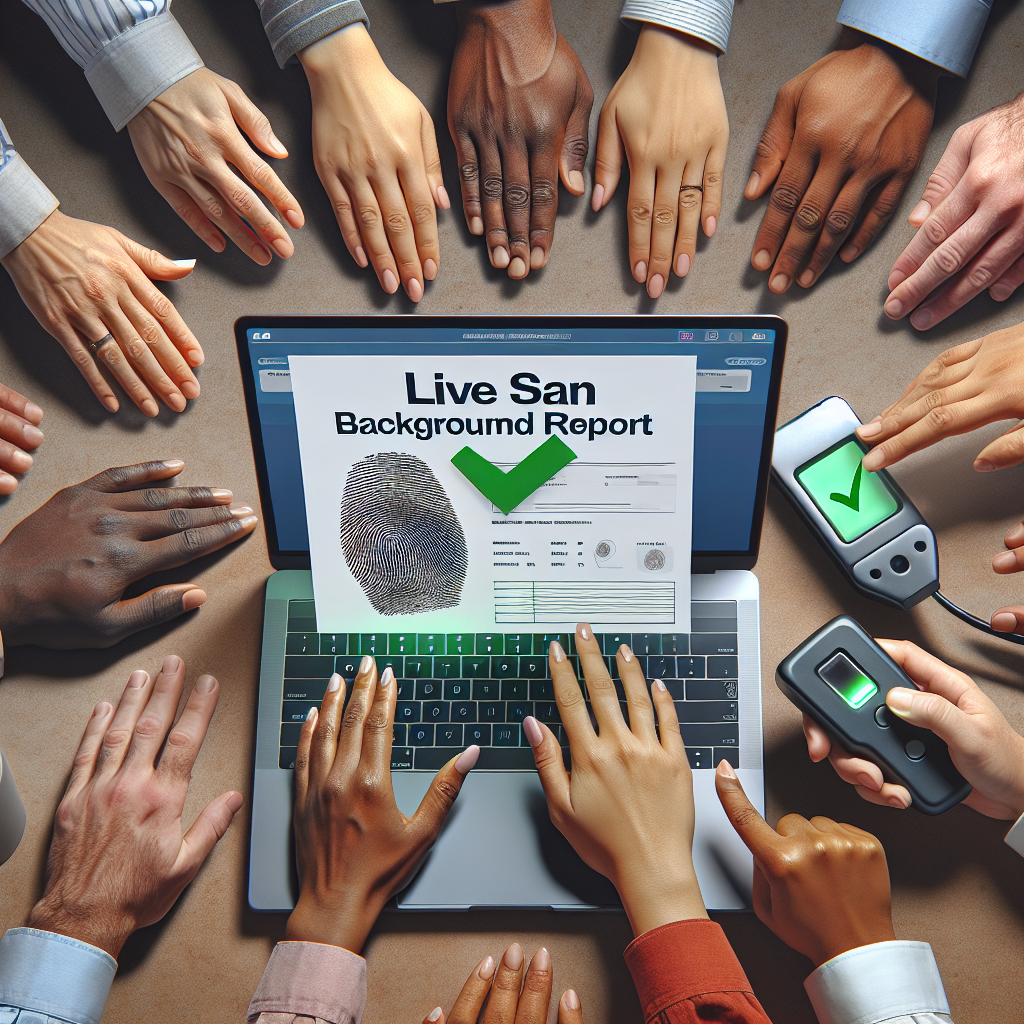
How to Check the Status of Your Live Scan Background Report
Introduction
Today, it’s really important to have a clear background, especially when you need it for things like getting a job or a license. A Live Scan background check helps with this because it uses modern technology to take electronic fingerprints and other important information. Whether you’re trying to get a job that needs a background check or you’re part of a company that needs to check records, knowing the status of your Live Scan report is very important.
1. Understanding Live Scan Background Reports
What is a Live Scan?
Live Scan is a way to take fingerprints electronically and send them to the right agencies for background checks. It’s faster and better than the old ink fingerprinting. This method avoids problems like smudges and needing to do it over.
Uses of Live Scan
Live Scan checks are mostly used by different places to check someone before they get hired or get a license. Jobs in healthcare, schools, and the police often need a Live Scan to make sure people don’t have any bad records.
2. Gathering Necessary Information
Before checking your Live Scan report status, you’ll need:
- ATI Number: This is a special number given to your fingerprint submission.
- Date of Birth: This makes sure you are checking the right record.
Security Tips:
- Keep this info safe; it’s personal and important.
- Store it in a password-protected place or a secure app if needed.
3. Steps to Check the Status Online
Online Status Check
Checking your Live Scan status online is easy. Here’s how to do it:
- Visit the Official Website: Go to the California Department of Justice’s (DOJ) website.
- Find the Status Page: Look for the section named “Fingerprint Background Check.”
- Enter Required Information: Type your ATI Number and Date of Birth in the right boxes.
- Submit: Click on the ‘Submit’ button to find out your status.
- Review Your Status: See what your status says about the progress.
Troubleshooting Tips
- Make Sure It’s Accurate: Double-check your ATI and Date of Birth entries for accuracy.
- Clear Browsing Data: If there are problems, try clearing your browser’s cache.
- Use a Right Browser: Some old browsers might not work well, so try using updated versions like Chrome, Firefox, or Safari.
4. Alternatives to Online Status Check
Phone Inquiry
If you can’t check online, you can call the hotline:
- Contact Numbers: Visit the DOJ website to find the phone number.
- Hours of Operation: Usually 9 AM to 5 PM during business hours.
Mail Inquiry
If you can’t use online or phone, try mailing them:
- Required Forms: Fill out forms you get from the DOJ website.
- Correct Information: Don’t forget your ATI number and Date of Birth.
- Send to the Right Address: Make sure you mail to the address for background checks.
5. Common Issues and FAQs
Frequently Encountered Issues
- Delayed Reports: If your report is late, check with your employer or the DOJ.
- Understanding Status Results: “Pending” means it’s still being processed; “Completed” means it’s done.
FAQs
- What if my report is delayed?
Check your details with the DOJ and the agency that asked for it. - How do I understand the status report?
Look for words like “Pending” or “Completed” to know the report stage. - Is Live Scan faster than the old methods?
Yes, it’s quicker and there are fewer mistakes. - What to do if there’s a mistake in my status?
Contact the DOJ right away to fix it. - Can my report status affect my job?
Yes, some jobs need the background check finished before starting.
6. What to Do After Receiving Your Status
Completed Status
If your status says it’s complete:
- Tell the Requesting Agency: Quickly tell the organization that wanted it.
- Keep a Record: Save a copy of the status report for later.
Further Action Required
If you need to do something else:
- Contact the DOJ: Ask them for help in fixing any issues.
- Follow-Up: Keep checking back until the problem is solved.
Conclusion
By checking your Live Scan report status, you stay prepared for the next steps in your life or work. Keeping track helps avoid delays and makes talking to agencies easier. Being proactive with your Live Scan process shows you’re serious about getting things right. Always save your status checks and messages to avoid mix-ups later.
Call to Action
If you need more assistance or guidance, don’t hesitate to visit us at Tags Clinic at 3845 University Ave, San Diego, CA or call us at 619-777-9046. Be sure to check out our website https://tagsclinic.com for more resources. Our friendly staff is always here to help you navigate this process. Start your journey with us!